Quick Preview
KB14282
Every page in the administration area has a quick link to view the edits you are making on your live site. On the top left of the page we have the preview and edit button. Essentially this works as a toggle between the live site and the administration utility. Its a simple way to view your edits.
Alternatively you can browse you website and at any time click edit and this will open the correct page in the administration area.
If you are working on your profile similarly you can preview at any time how your profile will look to other users and then switch simply back to edit.
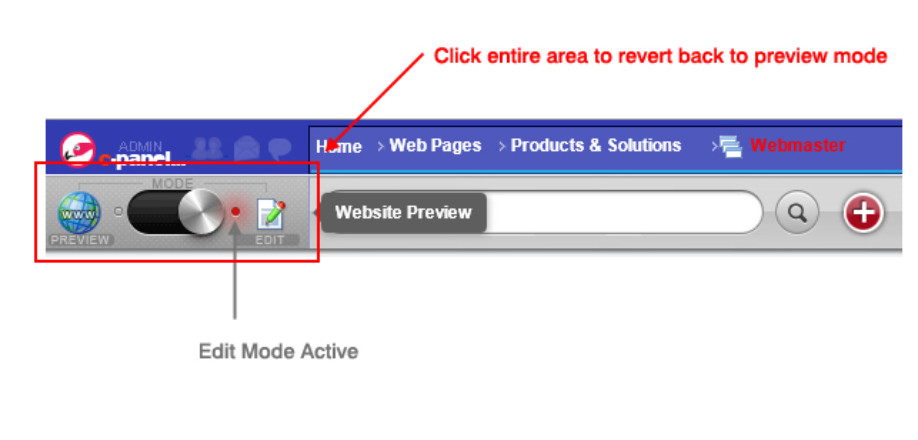
Edit Mode
How the preview button appears in edit mode whilst you are editing your page.
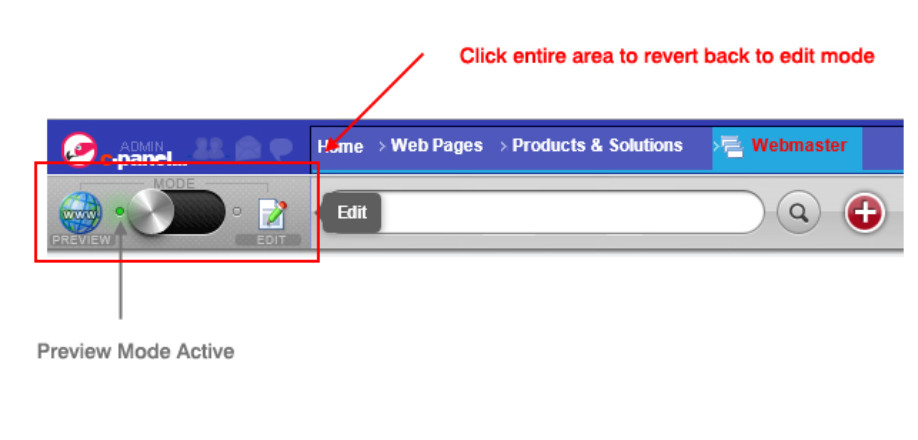
Preview Mode
When in preview mode the correct page you are working on will appear exactly as your web users will see it.
Updated on: 13/09/2015 12:15:28
