Key To Drag and Drop Text Editor
KB14293
Drag layout snippets to an editing canvas to easily create beautiful pages fit for any device
| Selection | |
|---|---|
 |
Use Drag and Drop Text Editor (Bootstrap Mobile Enabled) |
See examples of CSS3 transition snippets.
How does it work?
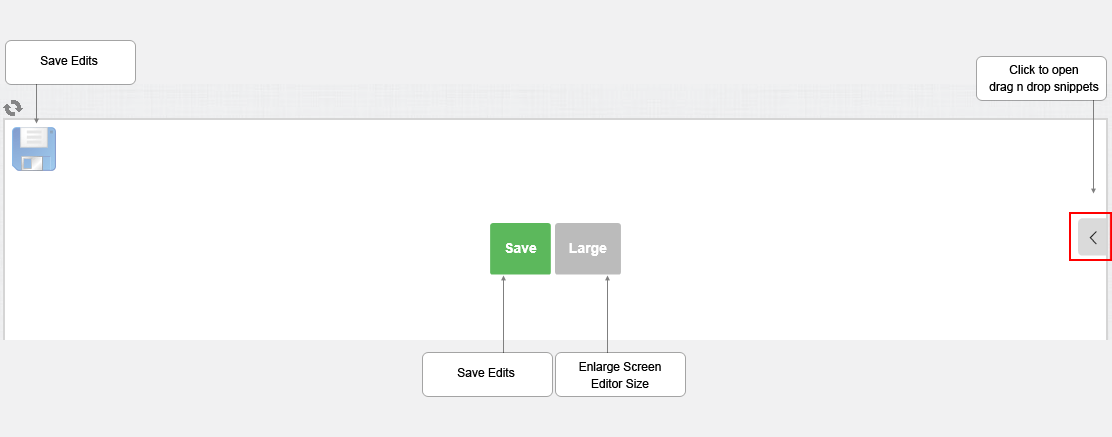
A more detailed explanation

Snippet Categories are Grouped as Follows
Text
Single Image
Text + Images
Text + Images (+ CSS FX) Adds fx such as shadows to images settings set in global setup.
Buttons
Quotes
Profiles
Maps
Videos
Social Links
Tables
Bootstrap Alerts
Bootstrap Panels
Bootstrap Forms
Paste HTML / IFrame
Changing the image
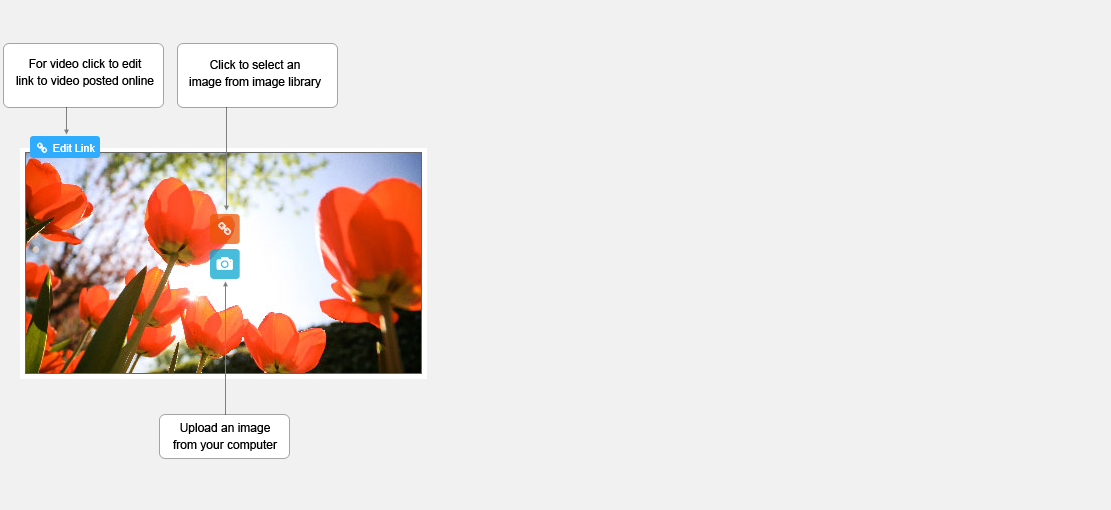
Hover over any image you wish to change and various icons will be presented to you as below.
Changing the image dimension and linking
It is easiest to select the snippet with the image already set to your dimensions such as landscape, square, or portrait as this will set the bounding box and ultimately crop area for any newly uploaded images.
If you wish to further customise this bounding box this can be done.
The container dimensions for the image can be changed to suit your requirements as all images selected via your library or uploaded will be cropped to fit the space assigned.

Updated on: 03/05/2020 16:23:26
How Helpful was this article
1 Votes Cast
