Hub Support & Tasks System Introduction
KB14458
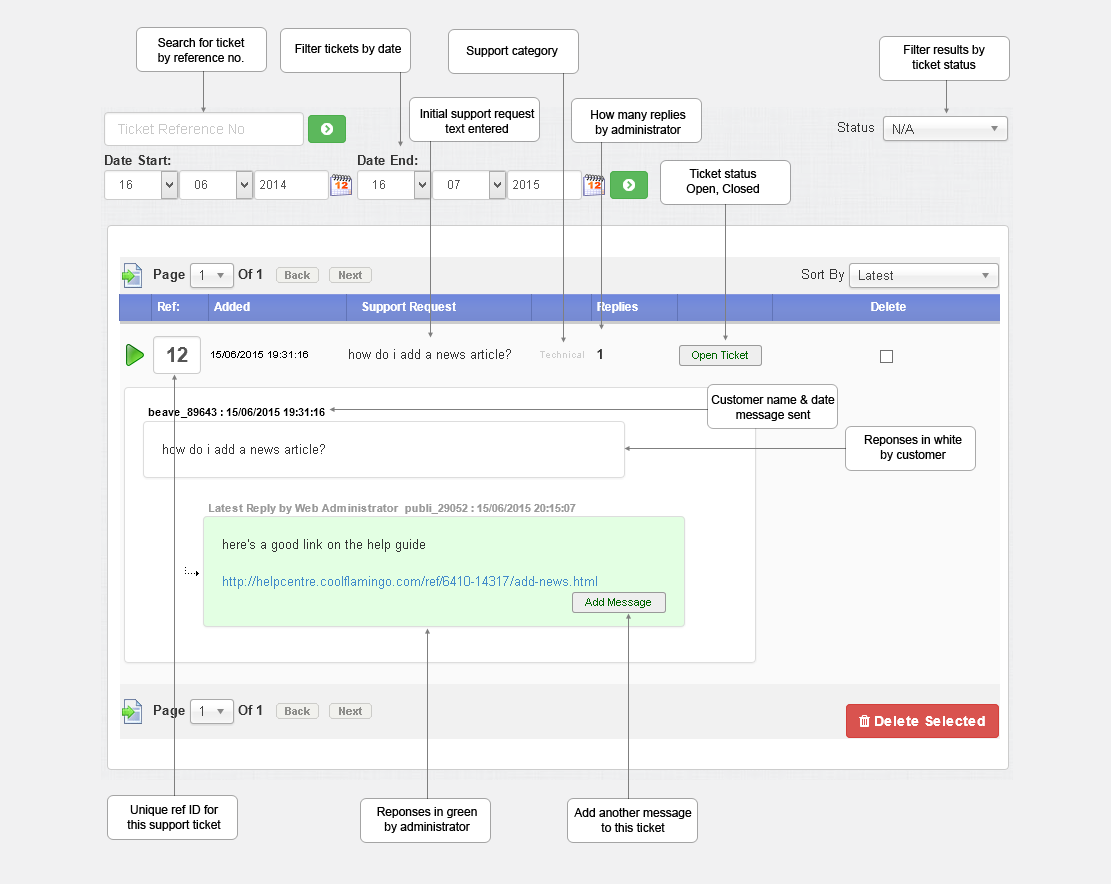
The support & tasks system for hub administrators allows a simple and convenient way to deal with support queries. Your web users will submit a support ticket. An email will be sent and a notification will appear in the administration area that a support query has been raised by a web user. An administrator will reply to the support ticket to open the communication.
Some support queries may require assistance with setup which may need a resource to account for. This can be achieved by requesting that certain responses require support credits. You set the amount of support credits for a task required and communicate this with the web user. Support credits can be purchased by the web user in their admin.
Tasks that you perform when resolving a support query will be logged so that both the customer and admin can see the work in progress relating to that particular support ticket. Support credits can be applied to each task for open transparency.
Once a support query is complete if support credits have been used the customer account support credits are debited and the ticket is closed. Once the ticket is closed no further work can be assigned to it.
Updated on: 13/09/2015 11:56:45
